Jewelry CAD Software: Which Workflow Fits Your Shop?
Choose by the work you need to repeat, the geometry you need to control and the files your bench or casting service can accept.
Start with the job you need to deliver
Use dedicated jewelry CAD when repeatable settings and size changes drive the workload. Choose general CAD for measured construction and shared geometry, or mesh and sculpting tools when the work is mainly organic shape and detail. Before paying for a license, try the same representative job and give the output to the person who will use it next.
Compare the software · Check file handoff · Choose by scenario
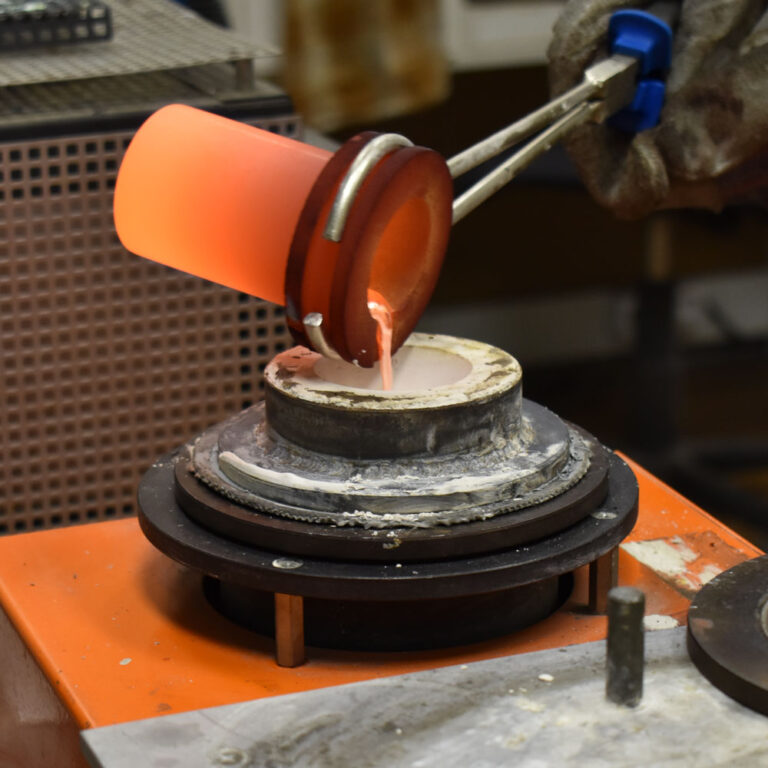
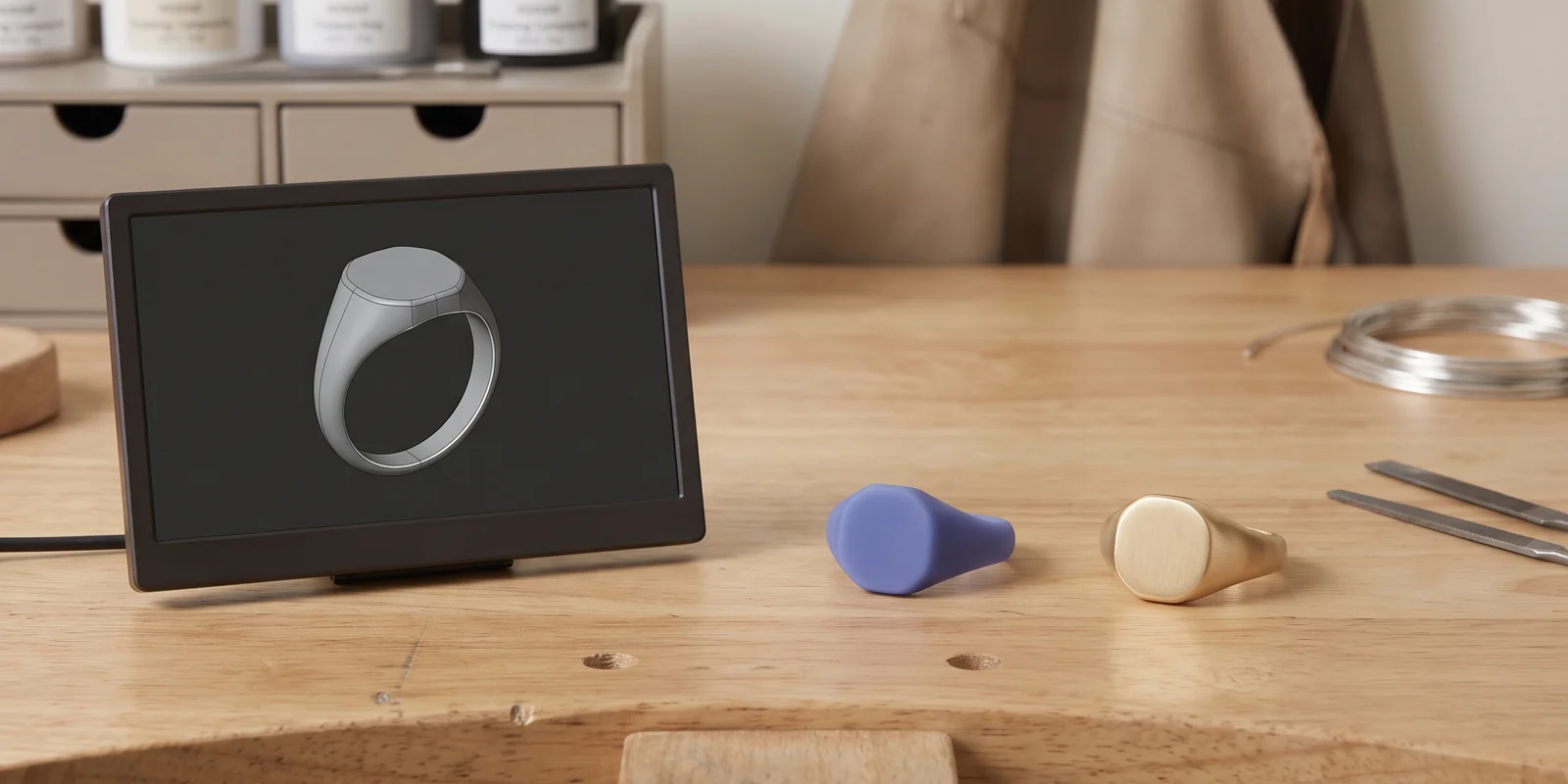
Jewelry design software uses computer-aided design (CAD) to create a ring, setting or ornament as editable geometry. Jewelry-specific software adds operations such as gemstone layout and settings tied to that geometry. General modeling software can make the same kinds of forms, though the workflow may require building your own features, libraries or checks.
This is a document-based comparison. Product descriptions, compatibility and licensing are based on vendor documentation checked November 24, 2026. The products were not hands-on tested for this guide.
Four ways to build the geometry
NURBS represent curves and surfaces mathematically. They’re useful for measured ring profiles, smooth shanks and custom seats. The builder still has to make and check the joins, clearances and usable solid.
Polygonal models use vertices and faces. A mesh can represent geometric or organic jewelry very well, but shading and visible smoothness can hide coarse triangles or breaks in the geometry.
Parametric workflows relate features to dimensions or rules. Changing a ring size can rebuild dependent parts if the designer set up the dependencies. Parametric history can drive surfaces, solids or meshes.
Sculpting shapes a surface with brushes or similar tools. It suits motifs, relief and organic transitions. Keep track of the measured areas, such as a shank opening or stone seat, when combining a sculpt and a fitted base.
Compare six jewelry CAD options
Choose a row by the edits you make and the files you need. Single-seat US figures are published list prices checked November 24, 2026. Confirm your quote and exact edition before purchase.
| Product | Modeling and jewelry tools | File handoff | Platform and license |
|---|---|---|---|
| Rhino 9 | NURBS surfaces and SubD. Use curves, surfaces and optional Grasshopper definitions for custom shanks and settings. | 3DM master, STEP for CAD exchange, STL for a printable mesh if accepted. | Windows / macOS. US $995 one-time commercial license. |
| MatrixGold 4.1 | Rhino-based specialist tools, including configurable jewelry features such as ring and stone builders. | Keep the native project and request the print mesh. Show whether the recipient can regenerate the intended feature. | Windows, Rhino 8 required. Stuller lists US $5,995 for first-time buyers. One-time license, optional membership. |
| 3Design V13 | Dedicated jewelry CAD on its own engine, with design history and jewelry tools. 3Shaper is an optional organic-modeling path. | Keep the native project. Test STL and any needed CAD exchange in the exact edition bought. | Windows / Apple silicon macOS. Request commercial edition and pricing. |
| Blender 5.3 | General polygonal modeling, modifiers and sculpting. Jewelry workflows can be built with add-ons or custom setups. | Keep the .blend master and deliver evaluated STL or OBJ if the recipient accepts it. Check the scale after export. | Windows / macOS / Linux. Free GPL application. |
| Autodesk Fusion | General feature-based CAD. Dimensions and constraints drive parts like repeatable blanks and geometry for jigs. | Native Fusion design, STEP for compatible CAD exchange; STL or 3MF if the recipient accepts it. | Windows / macOS desktop. Commercial subscription; US $680/year listed for core Fusion. |
| ZBrush 2027.1 | Digital sculpting with dense meshes for relief, figurative forms and textures. | Archive the native sculpt. Exchange OBJ or export STL with the print tools, then validate size and mesh. | Windows / macOS desktop. Commercial subscription. |
Software profiles
Find the program that fits your work, then check the system, license and limits before you buy. Use the table above to compare which files you can hand off.
Rhino 9
NURBS surface modeling Best fit: Jewelers who model one-off shanks, bezels or settings and need editable 3DM files.
- Platform
- Windows and macOS
- License
- US $995, one-time commercial license
- Strength
- Shape complex curves and hand off the native 3DM to a compatible bench.
- Watch for
- Learn surface joins and repair. Confirm plug-in support for your Rhino version.
MatrixGold 4.1
Jewelry setting builders Best fit: Custom shops that regularly revise ring sizes, settings and stone layouts.
- Platform
- Windows
- License
- US $5,995 for first-time buyers per Stuller. One-time purchase with optional membership.
- Strength
- Use jewelry builders for changes to ring size, stone layouts and settings.
- Watch for
- Requires Rhino 8. Confirm whether the quote includes Rhino, training and upgrades.
3Design V13
Parametric jewelry design Best fit: Studios that want standalone jewelry CAD for repeat orders and design revisions.
- Platform
- Windows and Apple silicon macOS
- License
- Commercial. Request the edition and price.
- Strength
- Use the construction history to revise a stone or ring size.
- Watch for
- Gravotech distinguishes Pro and Designer in its edition documentation. Verify STL export in the edition quoted.
Blender 5.3
Polygonal mesh modeling Best fit: Independent makers learning mesh modeling or making ornaments on a limited software budget.
- Platform
- Windows, Linux, and Apple silicon with macOS 13 or later
- License
- Free GPL software
- Strength
- Use modifiers to keep mesh changes editable while you develop a shape.
- Watch for
- Check add-on compatibility and STL export scale. Consider a supported LTS release for your add-ons.
Autodesk Fusion
Dimension-driven CAD Best fit: CAD users making dimensioned blanks, jigs and fixtures for repeat jobs.
- Platform
- Windows and macOS desktop
- License
- Core commercial subscription, US $680 per year
- Strength
- Use sketch constraints and the timeline to drive revisions.
- Watch for
- Build your own gem or seat geometry. Personal use is noncommercial. See formats by license.
ZBrush 2027.1
Organic relief sculpting Best fit: Sculptors adding relief, figurative detail or texture to a measured CAD base.
- Platform
- Windows and macOS desktop
- License
- Commercial subscription
- Strength
- Build fine surface detail with brush-based sculpting and remeshing.
- Watch for
- Set precise fit dimensions in CAD and recheck after combining meshes. Dense meshes take more work to inspect.
RhinoGold and JewelCAD in an existing workflow
Gemvision says it no longer sells RhinoGold or its upgrades. If you use older files, preserve the source and test the migration with a representative job before relying on a replacement license. JewelCAD appears in earlier casting documentation and existing shop workflows. Current JewelCAD Pro licensing, supported systems and purchase terms could not be confirmed from the developer’s materials, so check directly with the supplier before treating it as a new seat.
Deliver the editable master and the file the shop needs
Agree on which edits have to survive
Keep the native project, with any libraries or add-ons needed to reopen it, if you are responsible for later size or stone changes. STEP can be useful for exchanging compatible solid or surface geometry. Ask the receiving shop to open it and verify the critical dimensions. Native construction history and jewelry-specific controls may not transfer.
An STL carries a triangle mesh and does not declare its measurement unit. Confirm millimeters with the receiver and check a known diameter after import. 3MF can store units and other manufacturing information if both programs support the same workflow. OBJ can carry mesh data between modeling tools. Ask which form the service accepts and who is responsible for revisions. See the 3MF specification.
Separate approval of appearance from approval of geometry
Check the finished size, stone and setting dimensions, and sufficient remaining metal with the people doing the work. Inspect shell closure and the exported mesh. Open the actual file sent to the printer or service. Shading can conceal facets, holes or thickness problems. A clean export still needs to meet the printer, material, caster and setter’s constraints.
Ask who takes over at each stage
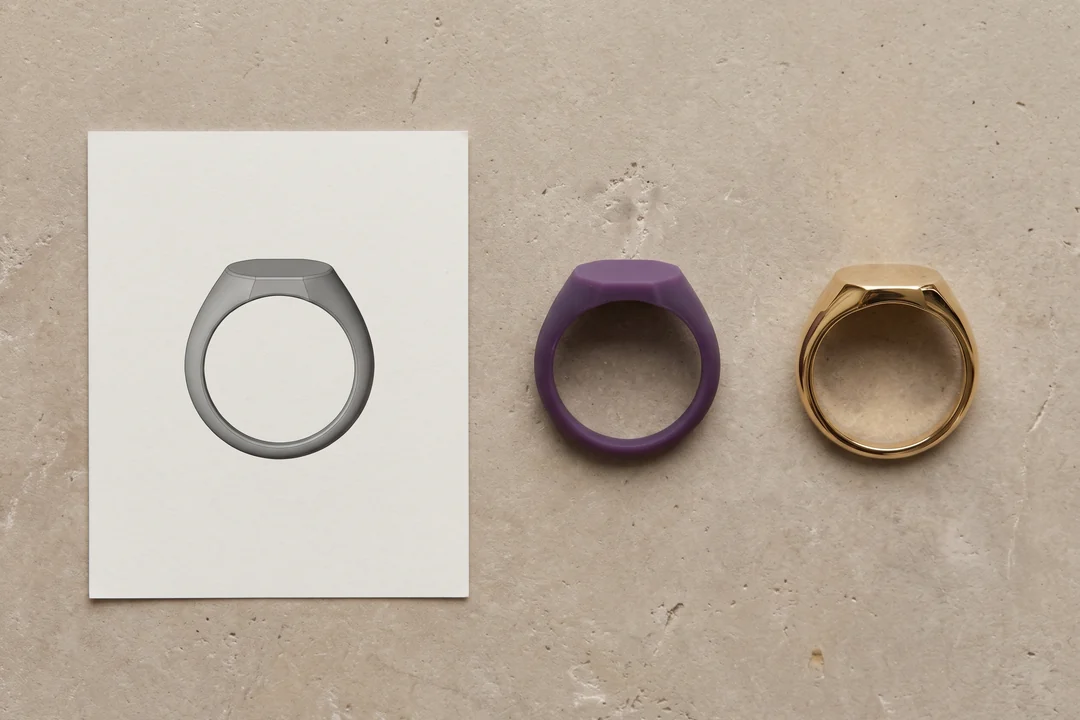
One route is to create the CAD geometry, export and check a file, print it as a castable pattern, then cast, finish and inspect the metal piece. A fit prototype can also be a separate checkpoint and use a different material. Agree on responsibilities with the printer and caster. See Formlabs’ overview of the printed-pattern workflow.
Choose software for a representative job
| Workload | What to shortlist | What to verify |
|---|---|---|
| Learn on a limited budget | Blender for mesh and ornament, or a Rhino evaluation for measured surface work. | Build one plain band, change its size, and have another person verify the export’s dimensions. |
| Revise gem sizes and ring variants every week | MatrixGold on the documented Rhino version or 3Design in an export-capable edition. | Edit a stone or ring after reopening. Check what updates and what needs rebuilding. |
| Exchange editable geometry with another shop | Start with the recipient’s working system. Rhino or Fusion can be candidates when STEP is accepted. | Have the recipient reopen the source or exchange file and make the change you need. |
| Build sculptural relief on a measured base | Blender or ZBrush for relief, paired with the CAD environment that owns the fit. | Keep the fit model and sculpt as separate masters. Verify how they join and how the combined file exports. |
| Send models to a print-and-cast partner | Choose the workflow your partner will accept and can help you verify. | Confirm format, units, intended dimensions and the checks they require before accepting a job. |
Compare the cost of a usable seat
Include the base program, any required host version, jewelry or sculpting modules, seat count, renewal or paid upgrades, training, hardware and the time needed to make revisions. Ask what happens to native project access and support if you change editions or let a plan lapse. Get quotes for the same scope so a one-time license and a subscription are comparable over the time you expect to use them.
Software selection checklist
- Choose a real model with the ring size, seat or organic feature your shop handles most.
- Confirm the OS, host version, commercial license, update policy and what the chosen edition can export.
- Ask the vendor to show a size or stone change in a reopened native file.
- Ask the next shop to reopen the exchange or print file and verify scale and dimensions.
- Record who signs off on fit, remaining material, printing and casting. Keep the editable and approved manufacturing files together.
Jewelry CAD questions
Do I need specialized jewelry CAD to model a ring?
No. General CAD or a mesh modeler can represent a ring. Dedicated jewelry tools become useful when your workload repeats stone layouts, settings or size variants. Test whether the features you use most are available in the exact edition.
Does MatrixGold run on the Mac version of Rhino?
Gemvision documents MatrixGold as a Windows workflow. Rhino itself is available for Mac. If a Mac-based shop needs a dedicated suite, check 3Design’s supported Apple silicon systems and test its export options.
Should I buy Rhino 9 if I plan to use MatrixGold?
Check the MatrixGold requirement before ordering. Gemvision’s MatrixGold 4 documentation names Rhino 8. Ask which Rhino license the specific MatrixGold package includes and which version your projects need.
What should I ask for if someone else designs my jewelry?
Specify a native editable file if you expect later revisions, a separately exported production file, the units, and which pieces the setter or caster will receive. Clarify who keeps the edit history and what programs or plug-ins the next person will need.
Can a jeweler resize a ring from the STL?
A shop can edit or remodel mesh geometry, but an STL does not carry the original features or size controls. If you expect several variations, ask for the native master or agree who will revise and re-export it.
Can Blender make files for casting?
Blender can export a mesh that a service may accept. You still need a verified physical scale, a closed mesh and suitable geometry for that piece. Confirm the service’s acceptance requirements and keep the editable Blender file.
What if a mesh passes the slicer but the shop rejects it?
A slicer can inspect its own import and prepare a print job. The caster or setter can still reject the file for an unsuitable seat, wall, fit or material-specific constraint. Ask which requirement failed, update the editable master and export a new revision.